The quiet return of paper
Smartphones are in modern cities, but the paper notebook never quite left. At one small press, the committee its move to digital, and the smell of fresh ink in the print room.
 MeerLingo
Beta for macOS
Select text in any Mac app and press ⌥⇧T. MeerLingo shows what it means in your language, right where you are reading, and keeps track of the words you keep meeting.
Mac download coming soonFree during the beta. No account needed to look things up.
Smartphones are in modern cities, but the paper notebook never quite left. At one small press, the committee its move to digital, and the smell of fresh ink in the print room.
Press ⌥⇧T or click a marked word.Tap a marked word.
This demo runs in your browser and is drawn to match the app. The article and translations are examples, not live app output.
The answer appears beside your work or grows out of the notch. Press esc and you're back.
Press ⌥⇧S and drag over any area, even in an image. The text is read on your Mac.
Press ⌥⇧Y for a small window to type or paste into.
Point Lens at part of your screen and read the translation laid over the original.
Learn English, Japanese, Korean, Spanish, Thai or Cantonese. English has the richest support today.
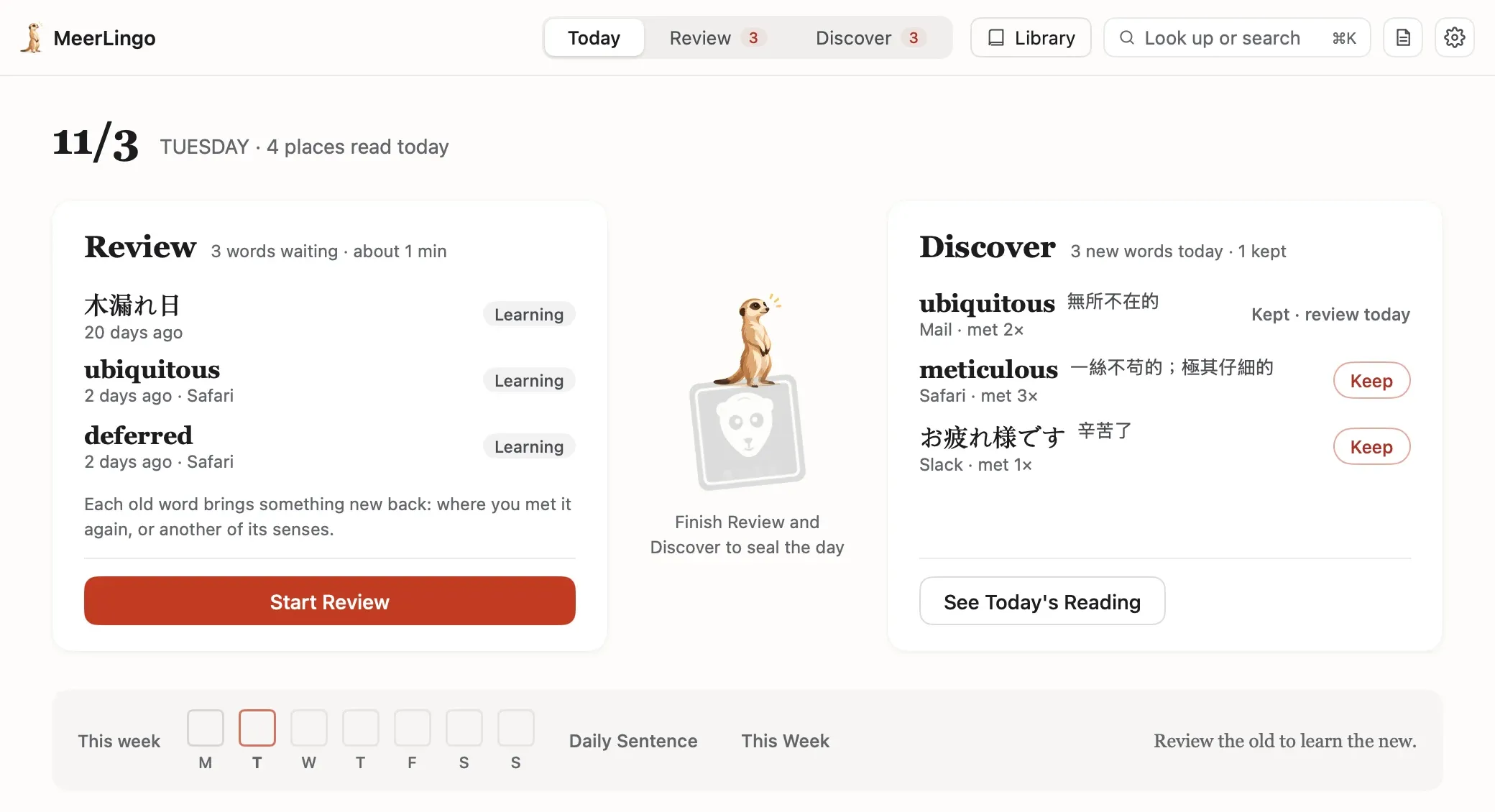
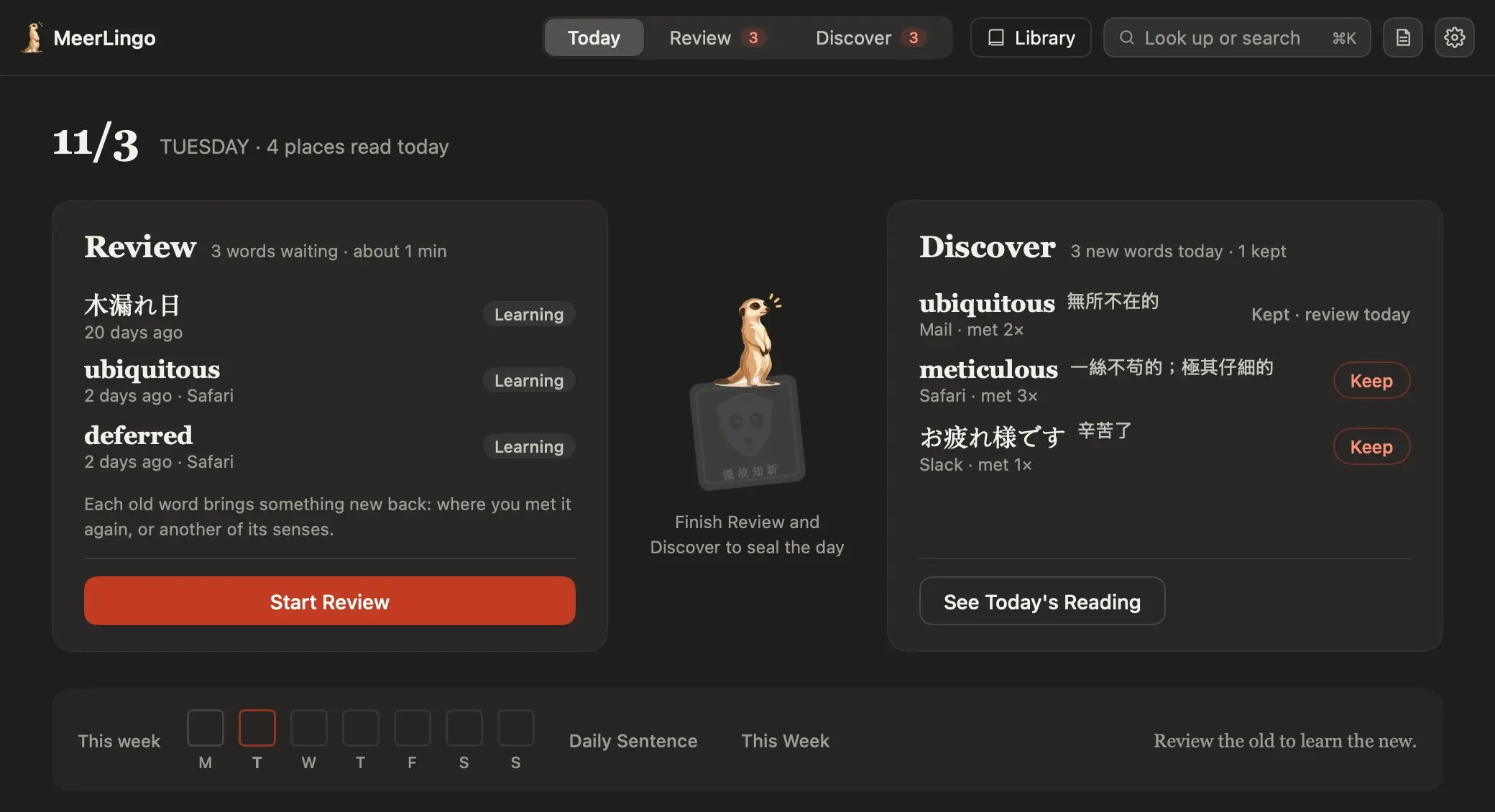
A translator forgets the moment you close it.MeerLingo remembers where you met each word, and brings it back.
Look it up now, keep it automatically and review it later.
Look up
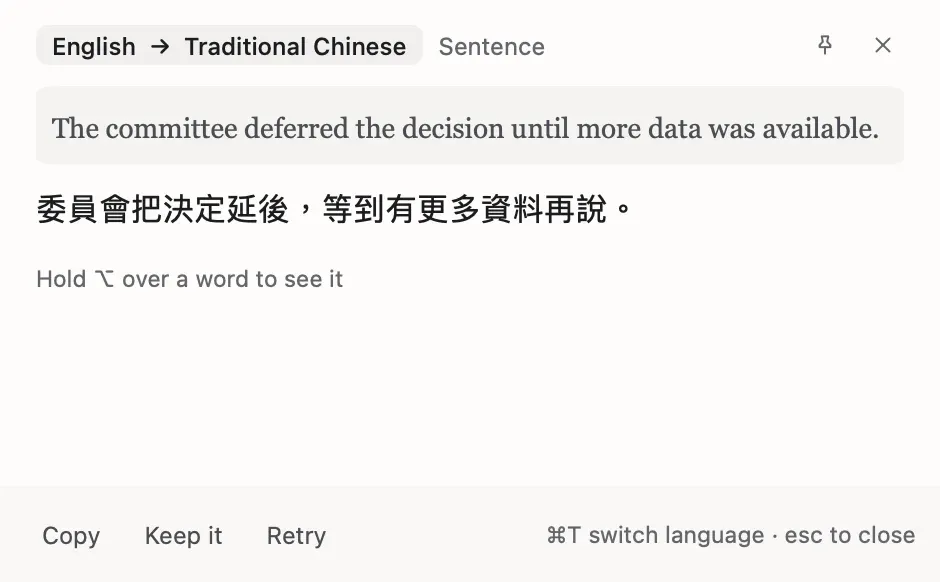
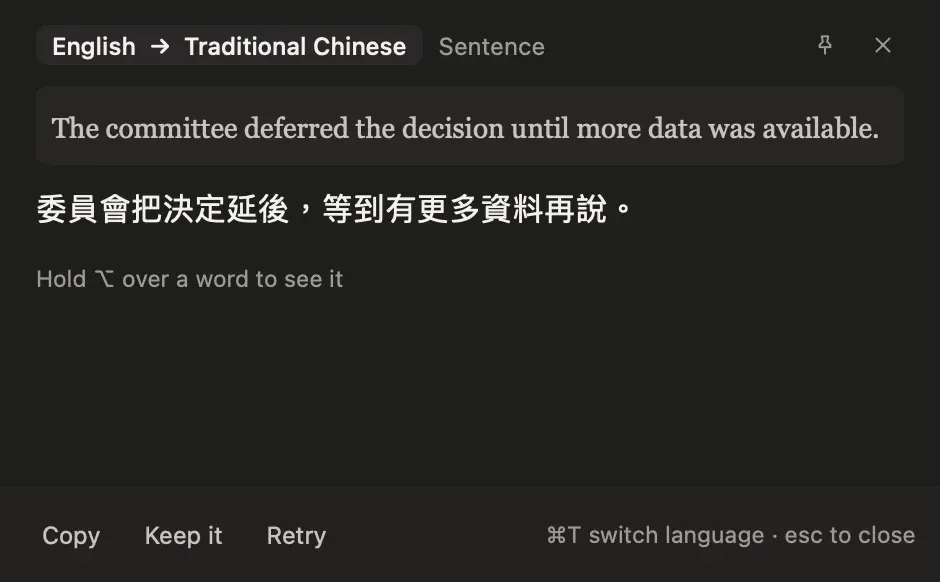
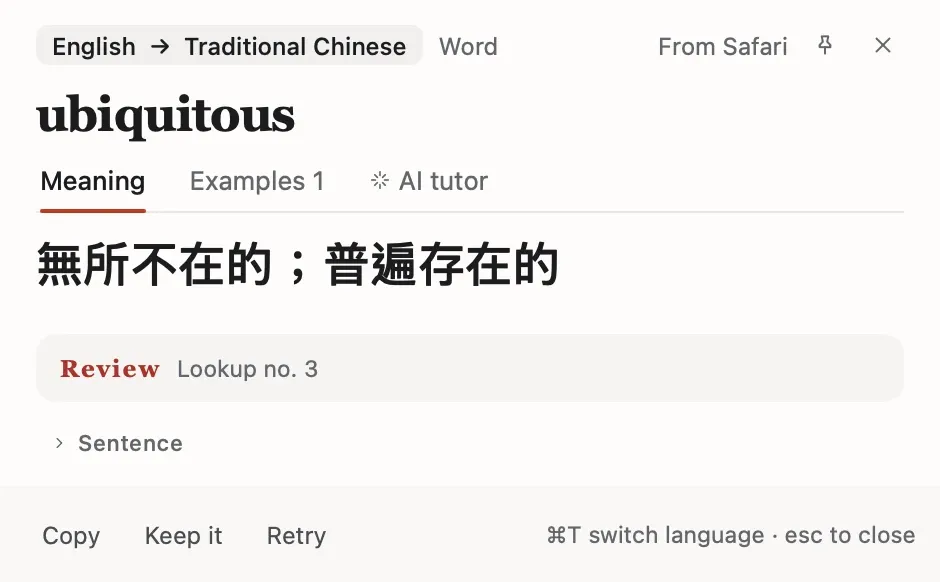
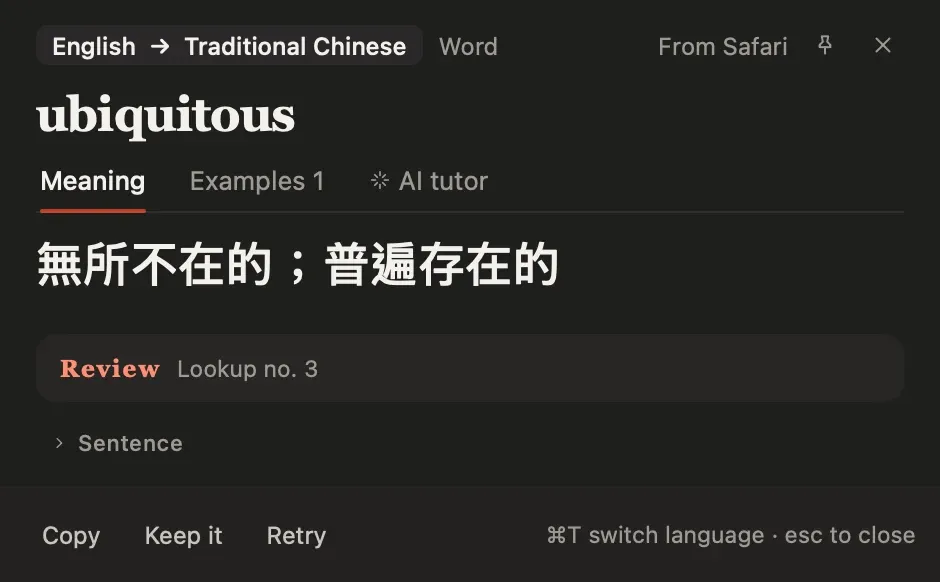
The likely meaning comes first, in a small panel next to your work or growing out of the notch. Select a whole sentence and you get the sentence translated.
Keep
Look a word up a second time and it joins your library by itself, so the list holds words you actually run into. You can also keep one by hand, or change the rule.
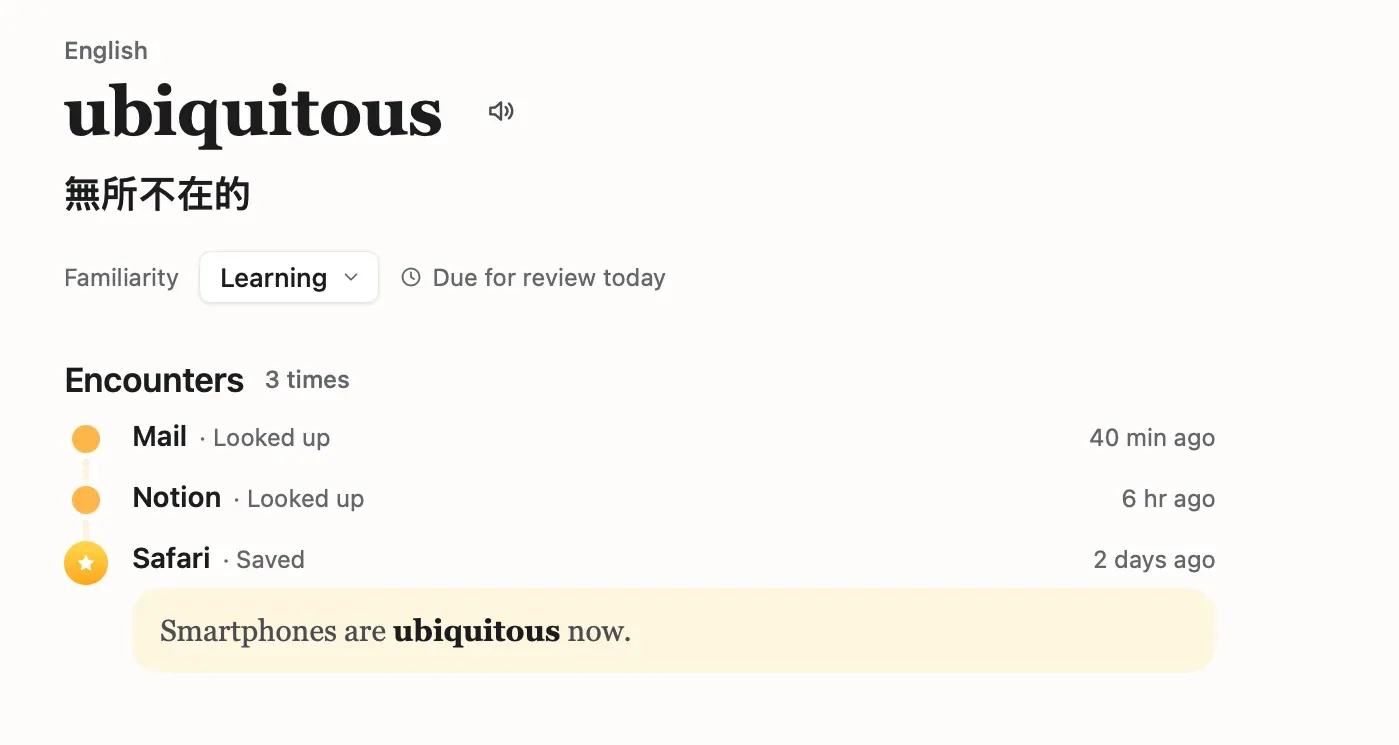
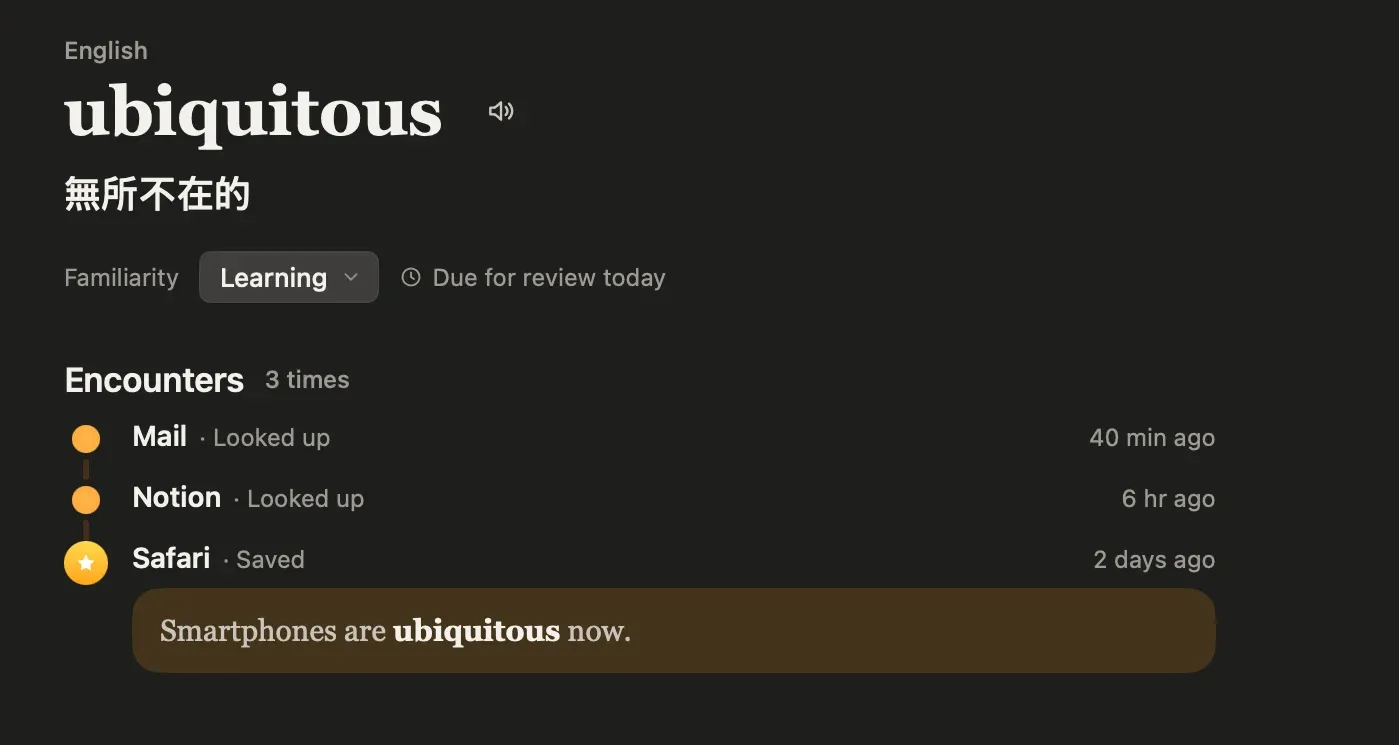
Review
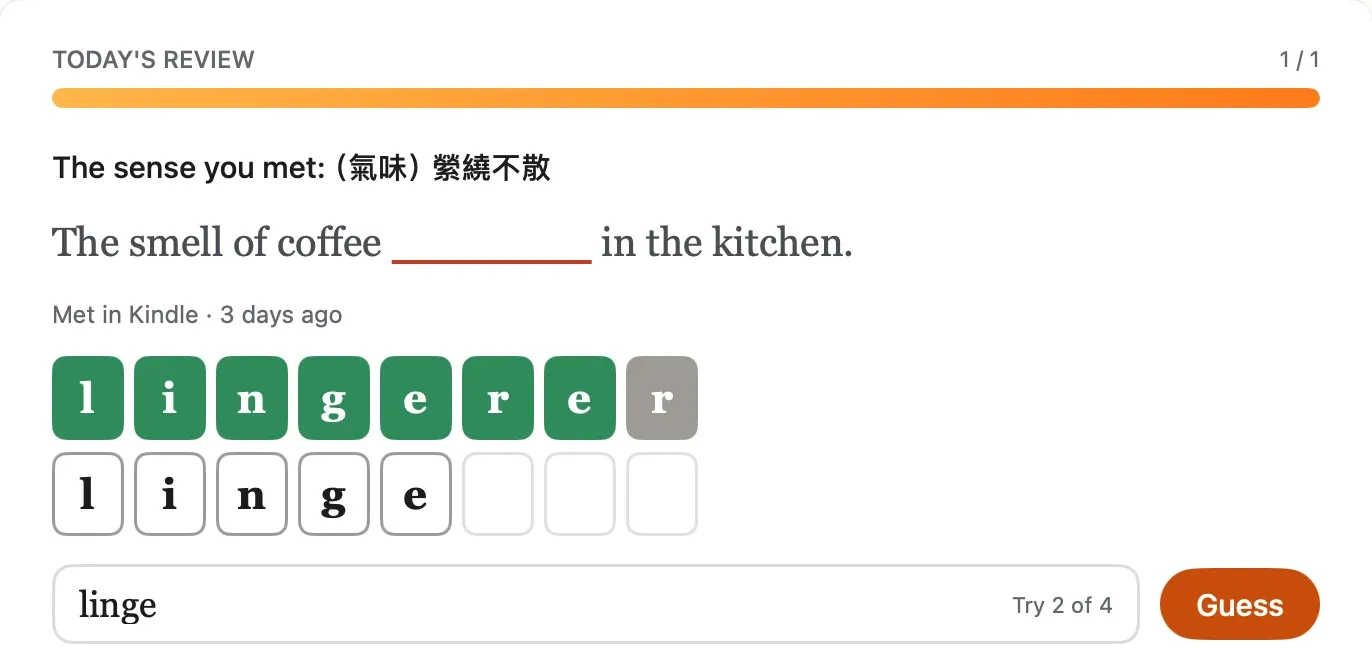
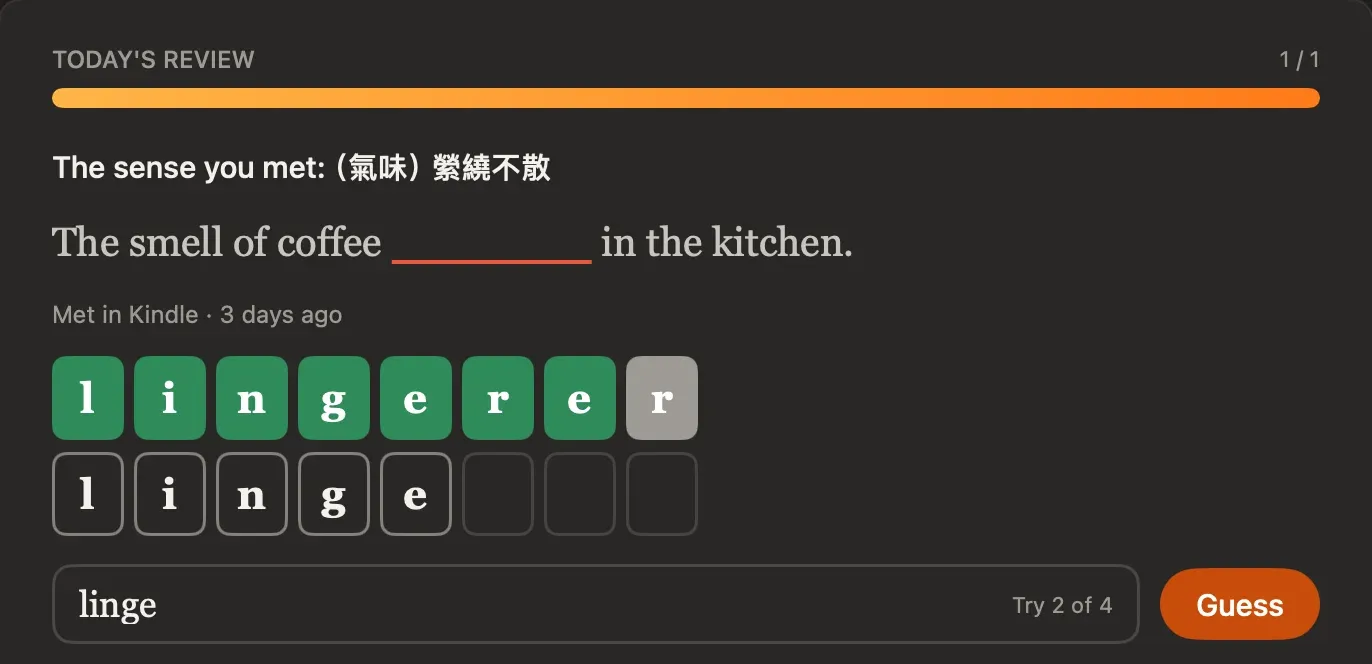
Review shows the sentence you met, with the word missing. Type it, and each letter is marked. Stuck? Ask for options, or say you don't remember.
The plain version. Not everything happens on your Mac, so here is what does and what doesn't.
Accessibility, so it can read the text you select. Screen Recording only if you use it to read text off the screen.
No. The floating panel is the default and works on any display. The notch is an option you can turn on in settings.
Partly. English words still get answers from the built in dictionary, and words you've already looked up come from memory. Other translations need Apple's model on your Mac or a connection.
Answers can be in Traditional or Simplified Chinese, Cantonese, English, Japanese, Korean or Thai. We built MeerLingo first for Chinese speakers learning English.
Sign in to sync saved words, review progress and settings across your devices. Without an account, everything still works on this Mac.
It's planned, after the Mac beta. We'll decide timing from what we learn.
You won't pay anything in the beta. We haven't set pricing.
We plan to measure whether lookups succeed, how fast they are and why they fail. Never the text you read, its translation or your screen.
The build is made for Apple silicon Macs. Placeholder Minimum macOS version to be confirmed.

The beta build is being prepared. When it is ready, allow Accessibility access to look up text in other apps.
Mac download coming soonFree during the beta. For Apple silicon Macs.
Placeholder The download link will appear here when the beta build is ready.